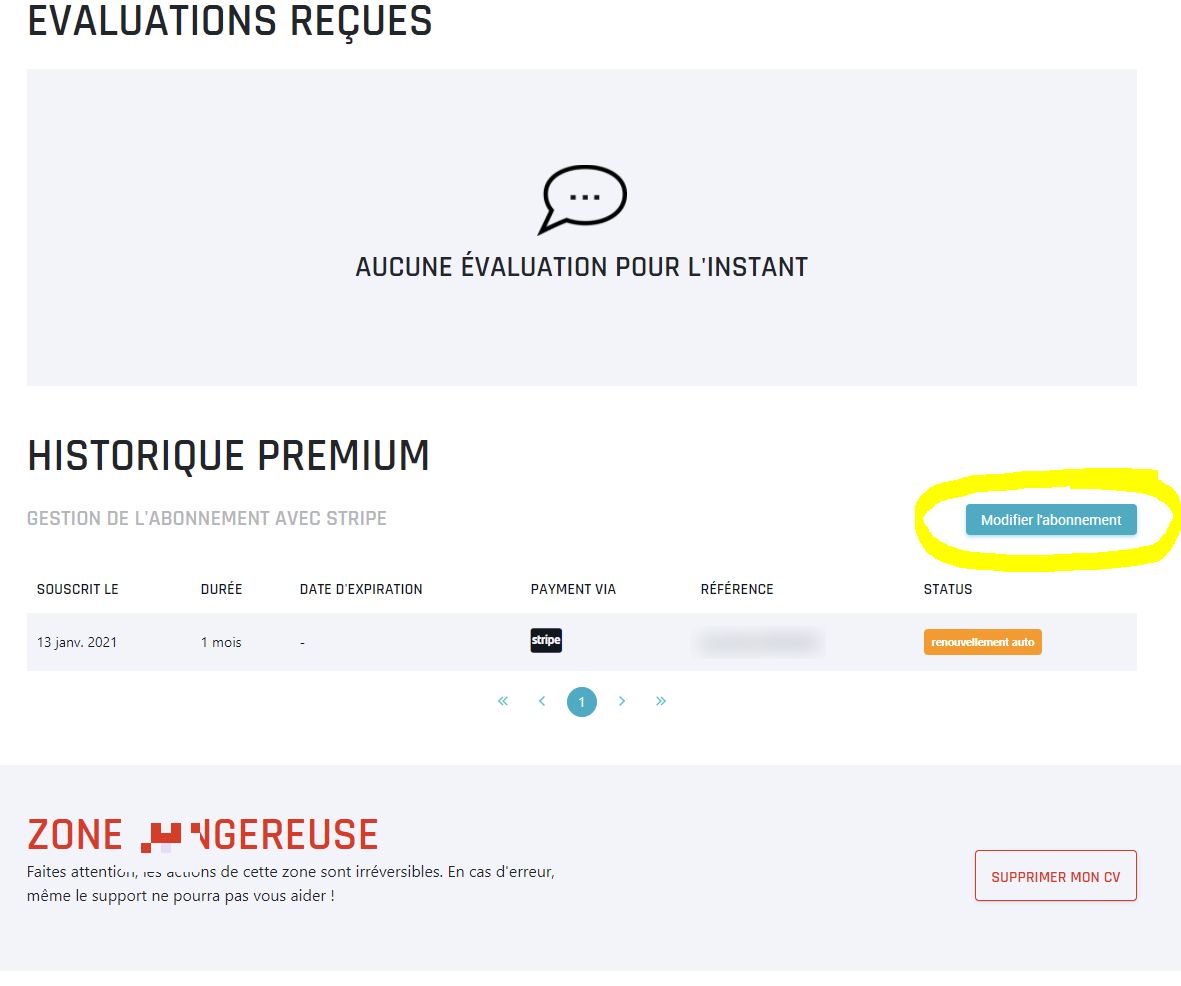
Cancelling is done from the administration area of the item the subscription belongs to, in four steps.
- Click your username in the menu, then Administration.
- Click Administration next to the item carrying the subscription: your CV for a player subscription, your team or your multigaming otherwise.
- At the bottom of the page, in the Premium history block, click Update subscription.
- You'll be redirected to the provider handling the payment. Click Cancel plan.
Your subscription stays active until the end of the period you already paid for.