To be recruited by a team, you need to apply to one of its recruitment offers.
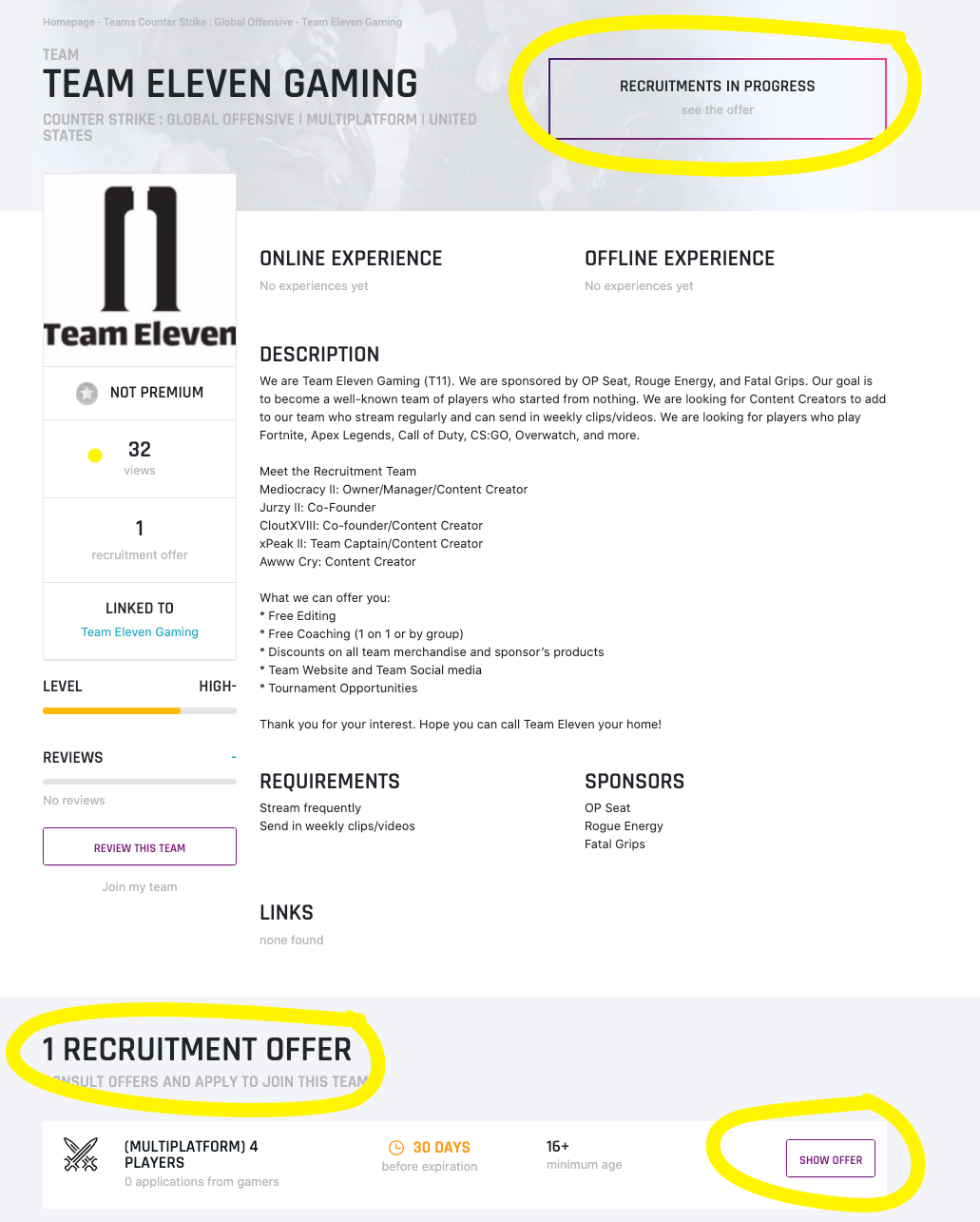
1. Check that the team is recruiting
Open the team's page and look for active recruitment offers. In the example below, the team has one open offer.
If the team has no open offer:
- With a premium player account, you can join its waiting list. The team gets a notification and decides whether to accept your request.
- With a free account, you have to wait until the team opens or renews its offers.
2. Apply to the offer
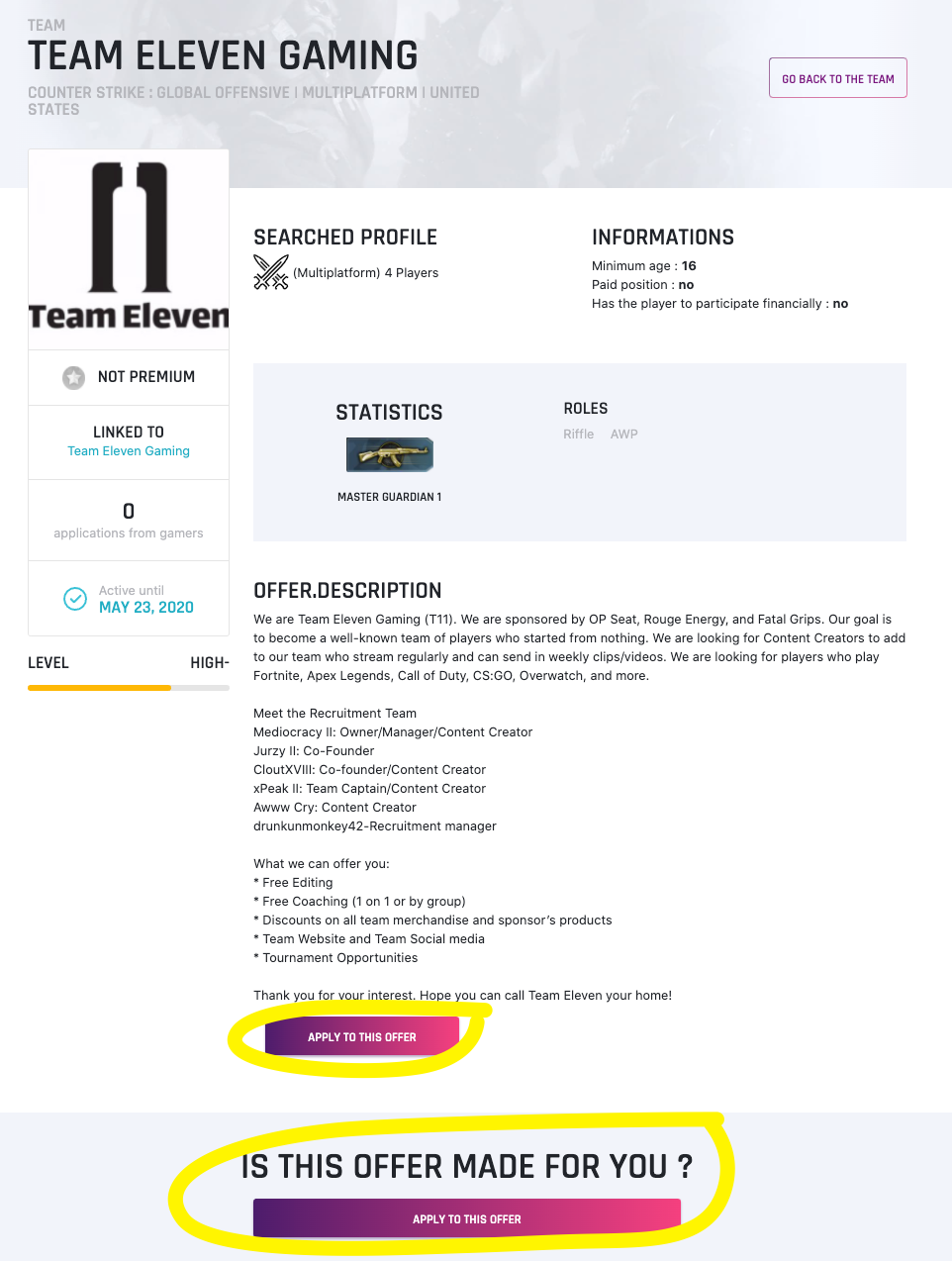
Click Show offer, then Apply to this offer if it matches your profile.
To apply, you need a gaming CV for the same game and the same platform as the offer. If you don't have one yet, creating it is free.
Note that when a team is set to multiplatform, you can apply whatever platform your CV uses.
All that's left is to write the team a message and start the conversation.