You can delete your account yourself, without contacting support.
- Sign in, then open My account from the menu (the My account page).
- Scroll to the bottom of the page, to the red Danger zone box.
- Click the delete account button.
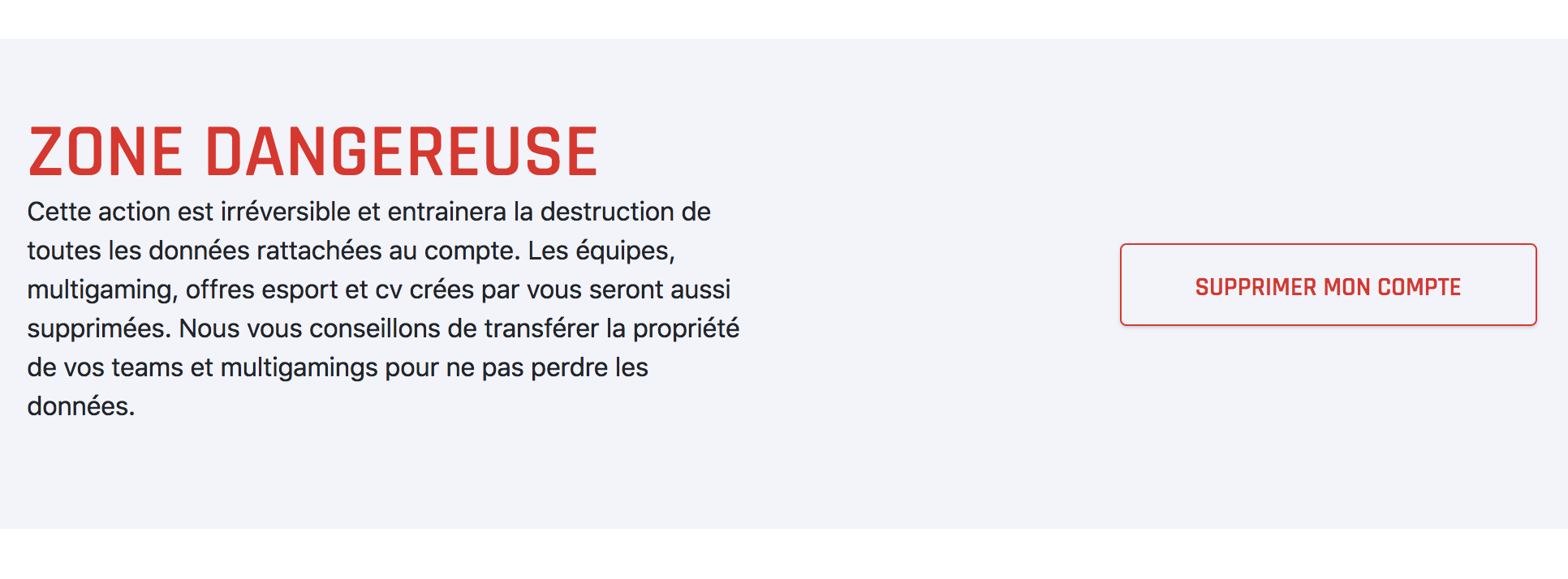
This cannot be undone. Every piece of data attached to the account — CVs, teams where you are the only member, messages — is deleted along with it.