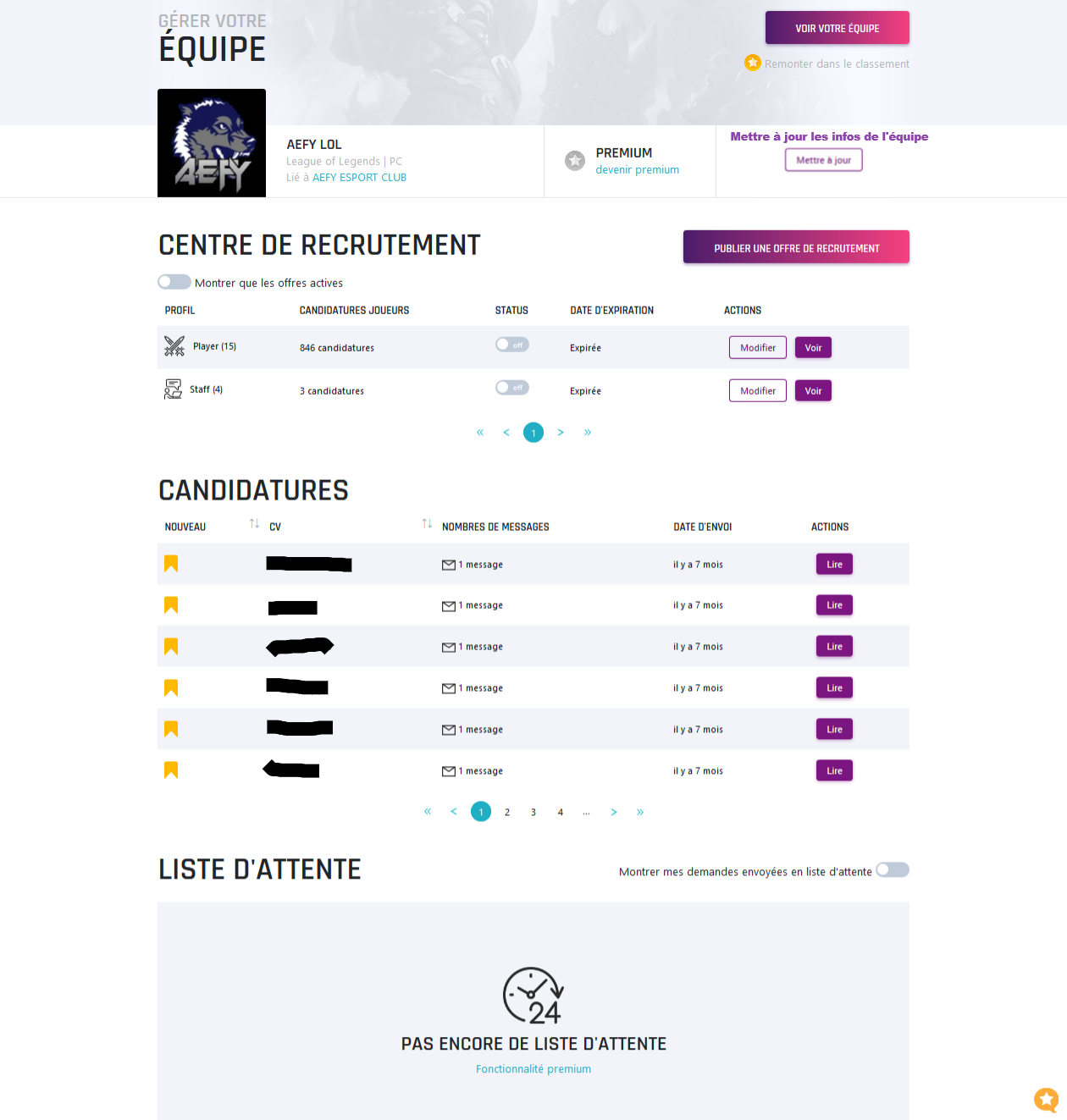
The administration area is where you read your messages, edit your details and handle applications.
You need to have created at least one CV, team or multigaming to access it.
Opening the administration area
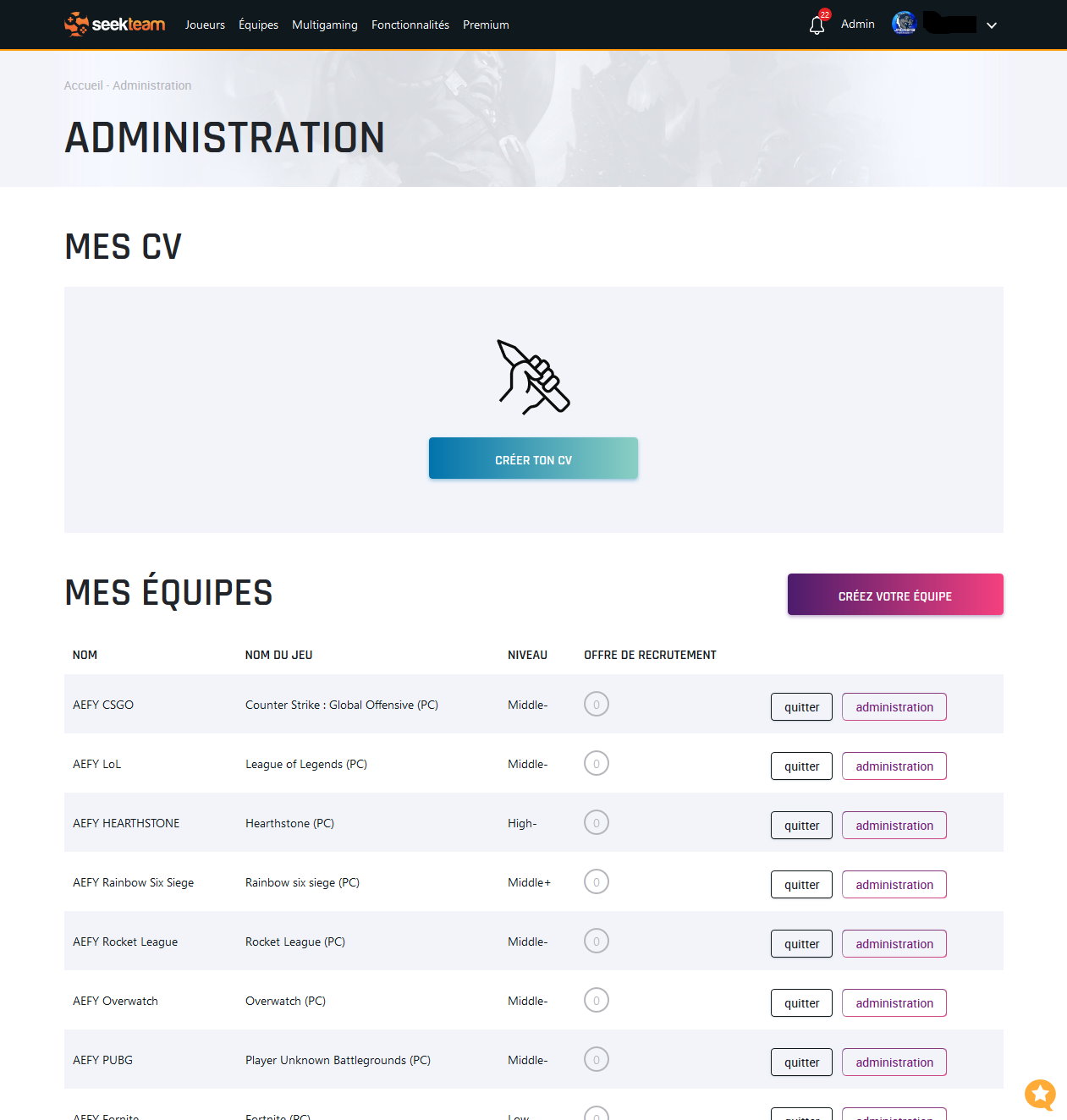
Click your username in the menu, then Administration. You'll find the list of your CVs, teams and multigamings.
Opening a recruitment centre
Click Administration next to the item you want to manage. This opens its recruitment centre, where you can:
- edit the details of the CV, team or multigaming;
- read and answer the messages you received;
- accept or reject applications.
If you manage a team, you can also publish recruitment offers, pause a campaign or renew it.
The steps are identical for a player CV.