The location shown on your CVs comes from your account, not from the CV itself.
- Open My account.
- Type your town in the location field.
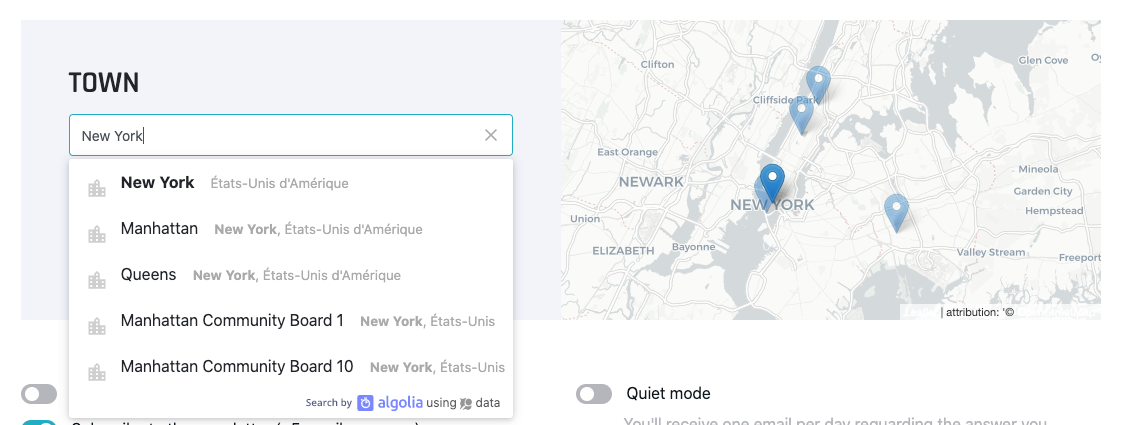
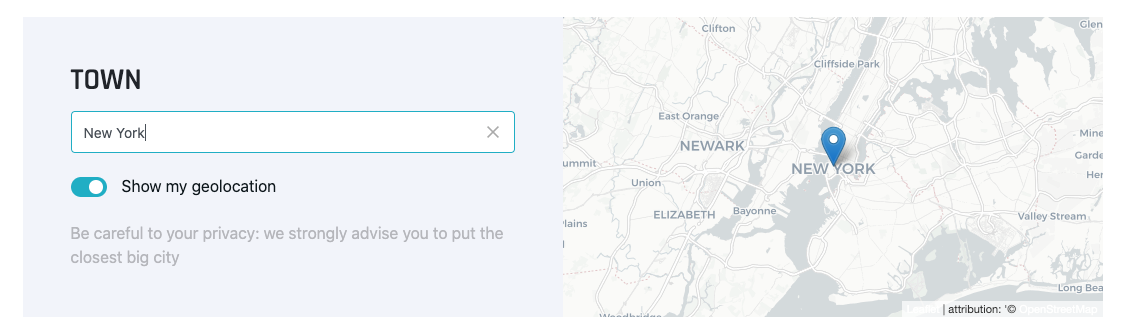
- Click the suggestion that appears. This is the step most people miss: until you click a result, the town isn't saved. The map on the right updates to confirm it worked.
- Then open your CV's administration, change any field — one line of description is enough — and save.
That last step matters: saving the CV is what pushes the new location to the search engine.